Resize image by pixels
Resize photos to custom dimensions such as 600x600 px, 1200x1600 px, or any width and height you need.
Private photo resizing for Android
QuickResize helps you resize photos, compress images, and reduce photo size directly on your Android device. Set custom pixel dimensions, compress images to a target file size, and keep your photos private with offline processing.
SEO
QuickResize is built for common Android photo tasks: exact dimensions, smaller file sizes, and private local processing. Each feature has a focused SEO page below.
Resize photos by custom width and height in pixels. Use QuickResize to resize images offline for documents, forms, passport photos, and social media.
Open resize photo pageCompress photos to a target file size on Android. Reduce image size in KB for job applications, online forms, email attachments, and website uploads.
Open compress image pageResize and compress photos offline with QuickResize. No photo uploads, no internet required, and private image processing directly on your Android device.
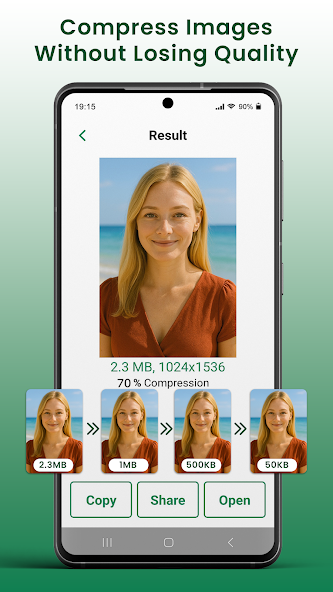
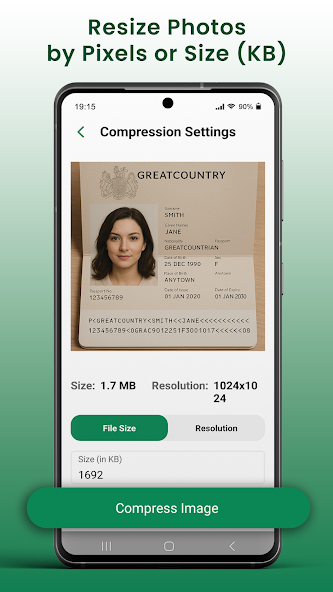
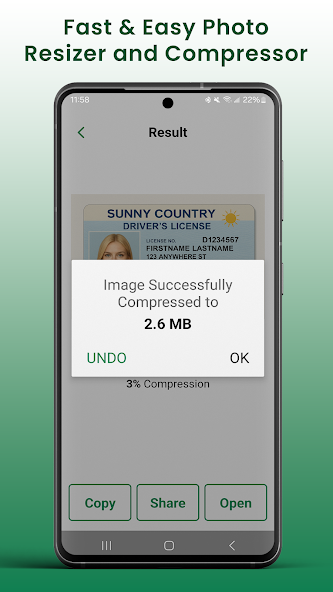
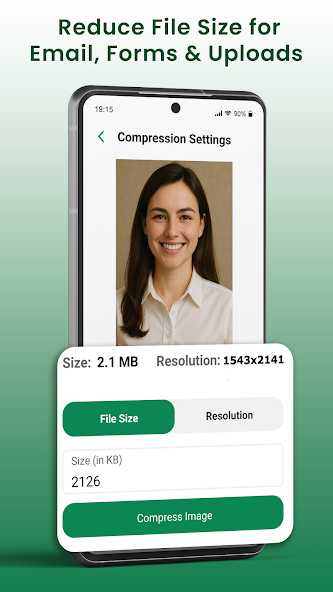
Open offline resizer pageThe app flow is simple: choose a photo, resize by pixels or compress to a smaller KB size, then copy, share, open, or save the result.
View use casesFeatures
Resize photos to custom dimensions such as 600x600 px, 1200x1600 px, or any width and height you need.
Make photos smaller for online forms, job applications, document uploads, websites, and email attachments.
Compress photos on device without sending private images to an online image resizer or cloud tool.
Keep resized photos on your Android device and share them where they are needed.
App preview
The app flow is simple: choose a photo, resize by pixels or compress to a smaller KB size, then copy, share, open, or save the result.
Use cases
Resize passport photo dimensions and prepare images for identity or travel forms.
Compress photo for job application uploads that require a smaller image file size.
Reduce photo size for email so images are easier to send and receive.
FAQ
Yes. QuickResize works as an offline photo resizer, so you can resize images on your device without uploading them.
Yes. The app is designed for private image compression and offline processing.
Yes. You can compress images to smaller KB sizes for forms, websites, job applications, and email.
The app is intended to save resized or compressed versions so you can keep your original photo available.
Resize photos, compress images, and reduce image size offline on Android. QuickResize keeps your photos private with no uploads and no internet required.